Images and photos.
The right image, in the right place.
New images when you need them, your own photos when you have them.
New images
Describe what you want in your own words. Every image starts from your brand kit, so it comes in your brand’s colours.
For campaigns
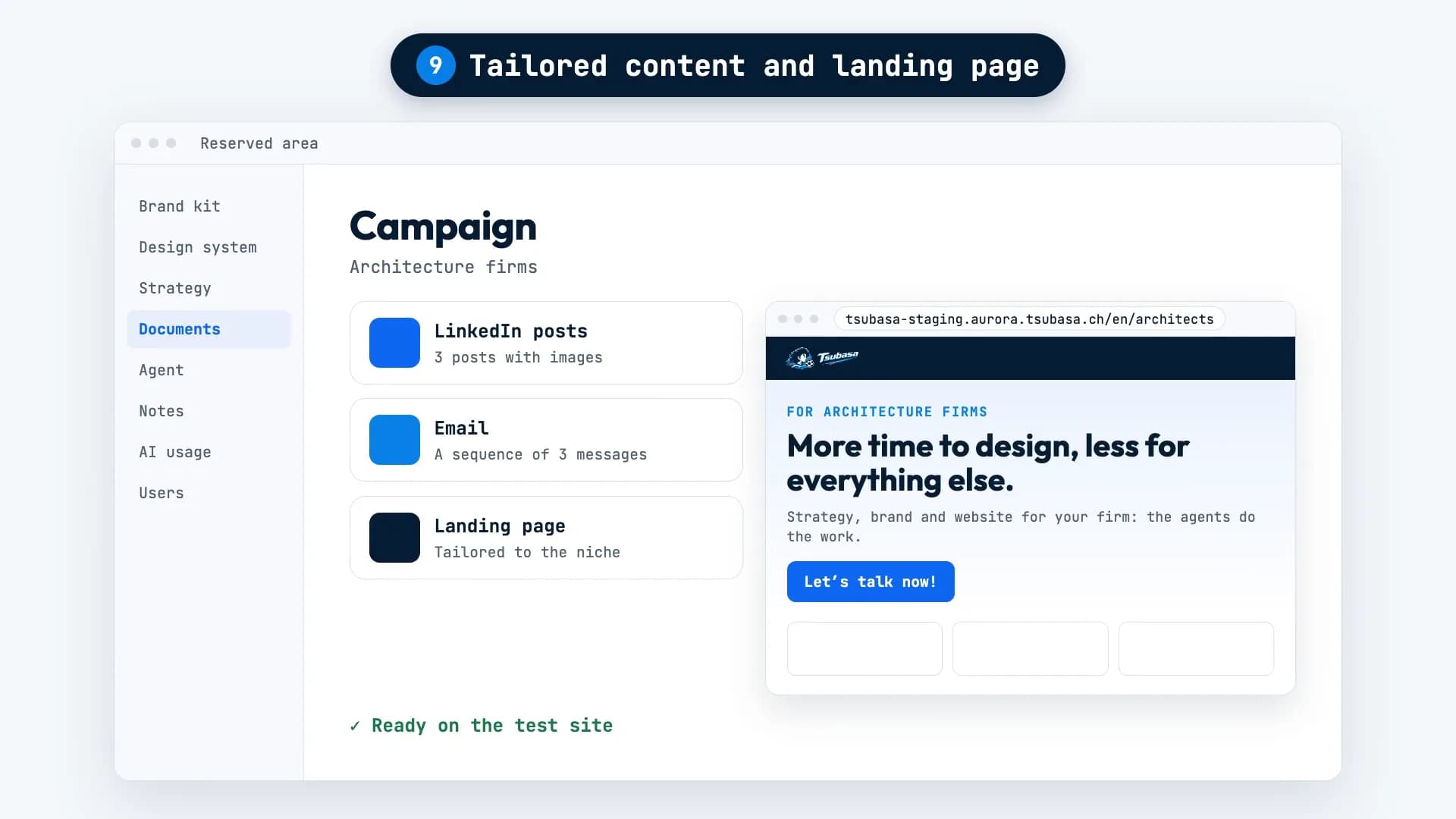
When AURORA prepares a campaign, each LinkedIn post comes with its own image.
From your photos
AURORA crops images for your pages straight from the original photo. Real crops, never upscaled.
Your photos on your pages
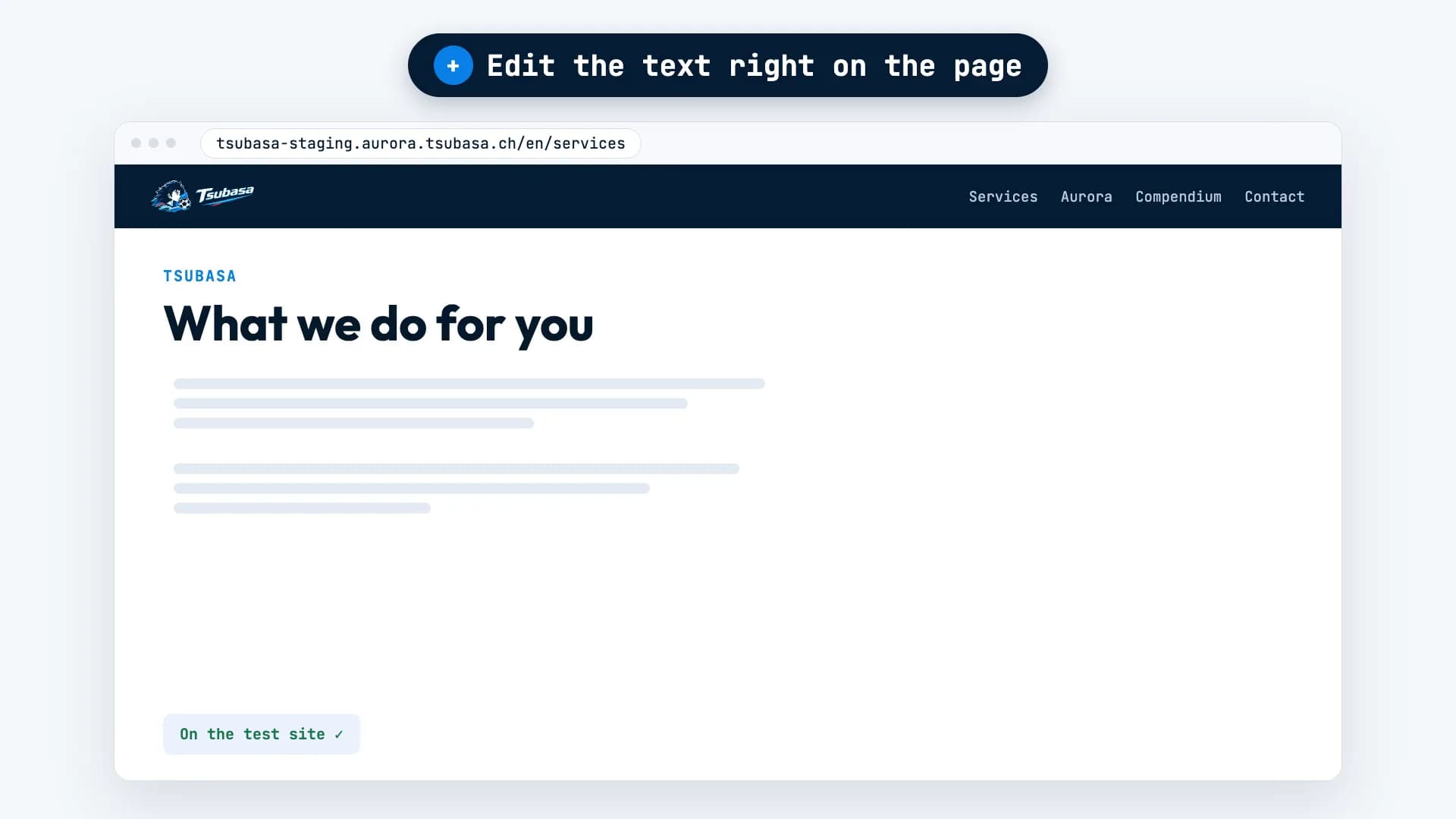
With “Edit this page” you can replace or remove any image on the test site: upload your own or pick one from Documents.
Turn photos into video
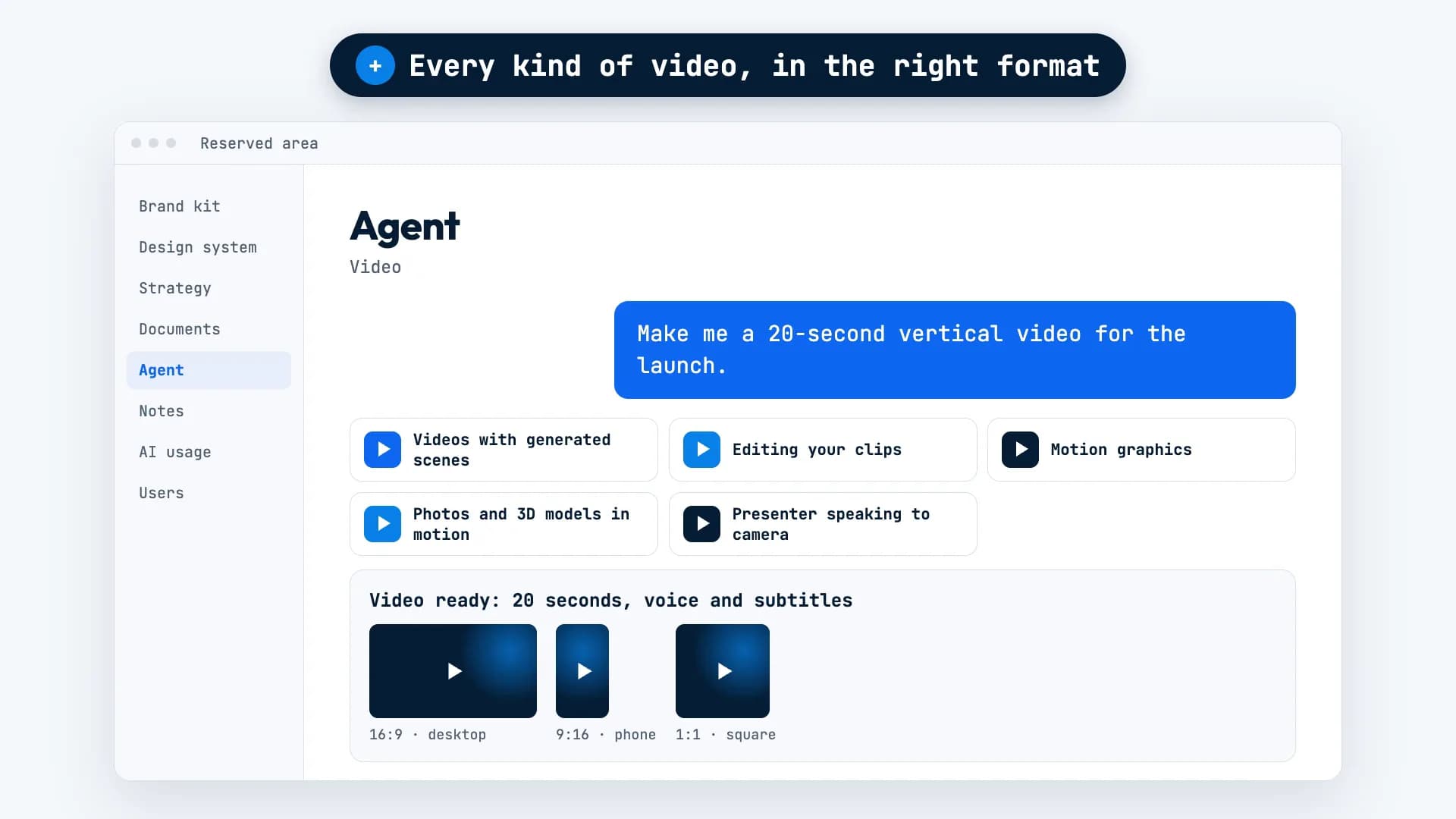
Your photos can become a video, with slow camera movements.
Everything in Documents
Every image AURORA delivers lands in Documents, in the folder of the job it belongs to.
One idea, one image.
The hungry crowd chapter of AURORA’s method needed an image that captured the idea: people studying the market, and people already waiting at the door.
The request was simple: “Make me an image for the hungry crowd chapter: a team studying a map, and a crowd waiting outside.”
AURORA’s take: three people studying a city map covered in pins while, through the window, a crowd waits outside a shop. It’s the image you see here.

What it needs from you, and what it won’t do.
Needed: your brand kit
That’s where new images get their colours.
Needed: your photos, to show the real thing
A new image is generated from scratch. To show your actual products, premises or people, you need your own photos.
It doesn’t upscale photos
Crops come from the original photo at its native size. If a photo is too small for a large image, you’ll need a higher-resolution one.
It doesn’t go live on its own
A website image goes to the test site first, like every other change.
The questions we hear most.
Can I swap an image for one of my own photos?
Yes. On the test site, open “Edit this page” and replace the image: upload your own or pick one from Documents.
Where do I find the images AURORA delivers?
In Documents, in the folder of the job they belong to.
What if I don’t like an image?
Tell AURORA what to change. Nothing goes on your website until you decide.
Want AURORA
for your company?
For now, access is through the waitlist. Tell us about your project and we’ll get back to you within 48 working hours.