Your documents.
Ready to use, easy to find.
AURORA also produces the documents your company needs, and keeps every file organised: the ones it delivers and the ones you share.
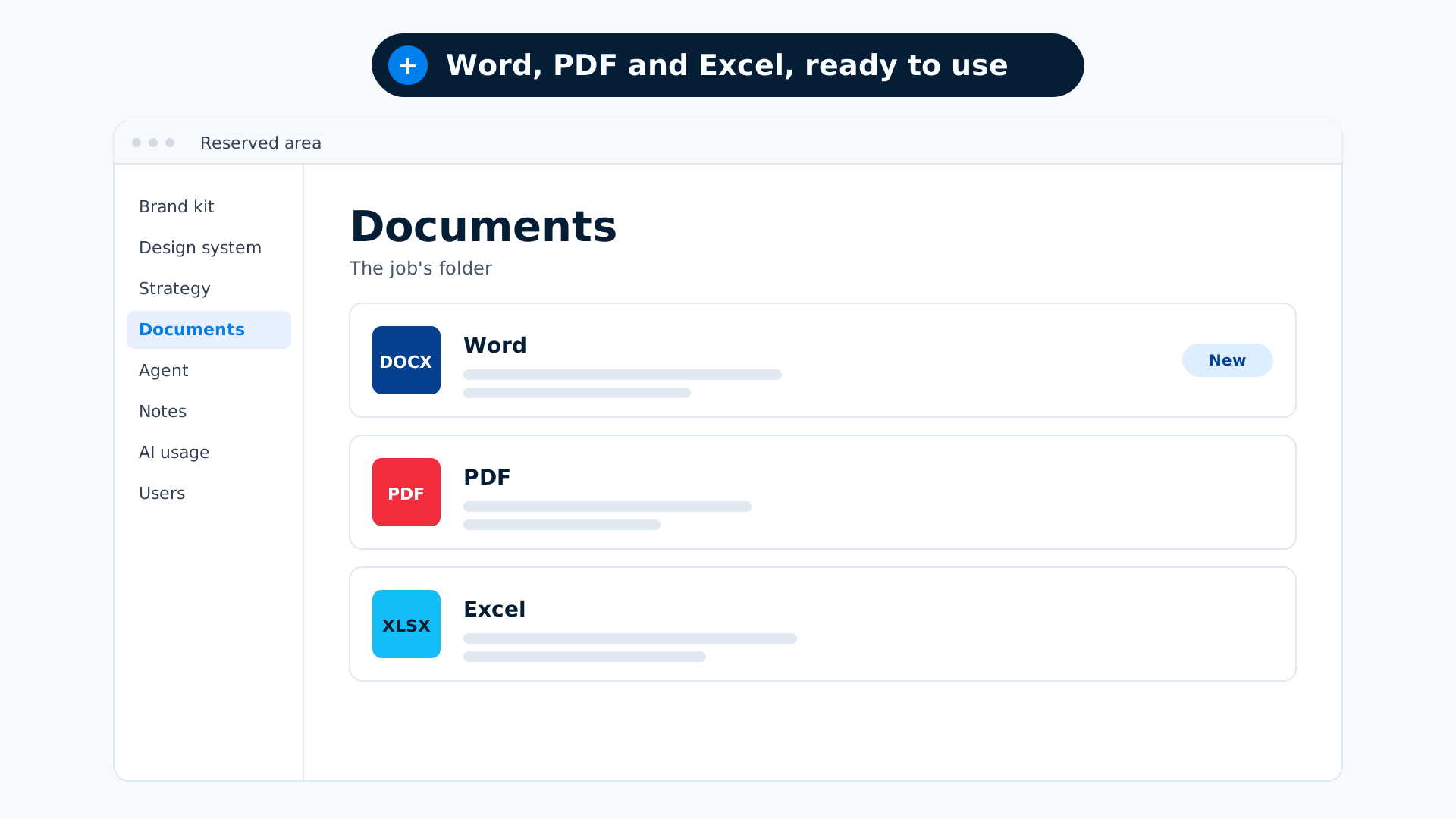
Word and PDF documents
A letter, an announcement, a form, complete with headings, tables, lists, checkboxes and signature lines.
Excel
Hand AURORA an Excel file and it will read it, fill it in or create a new one.
The company presentation
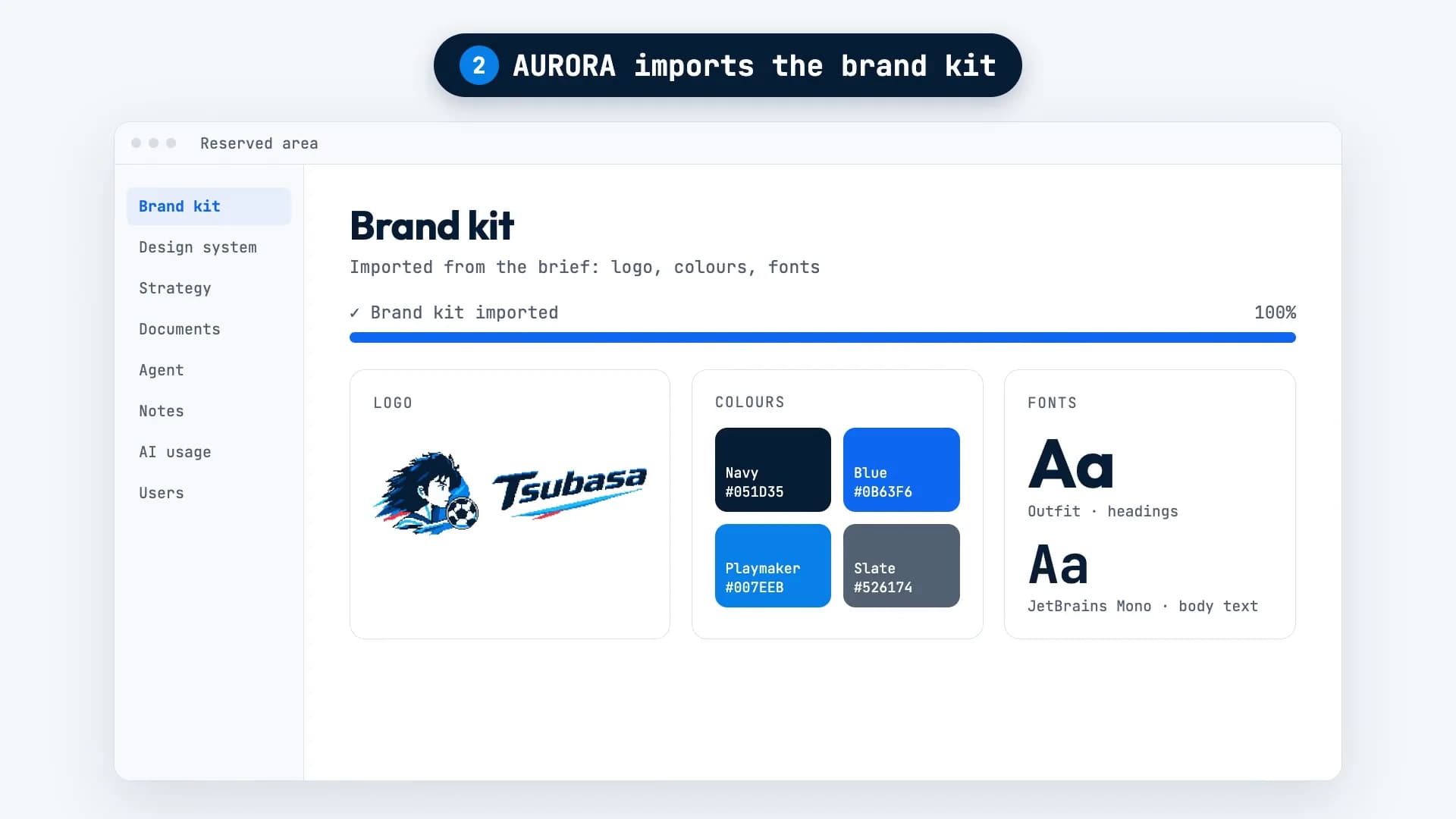
AURORA builds it from the brand kit, the strategy and your website copy, so it tells the same story as your website, in the same brand.
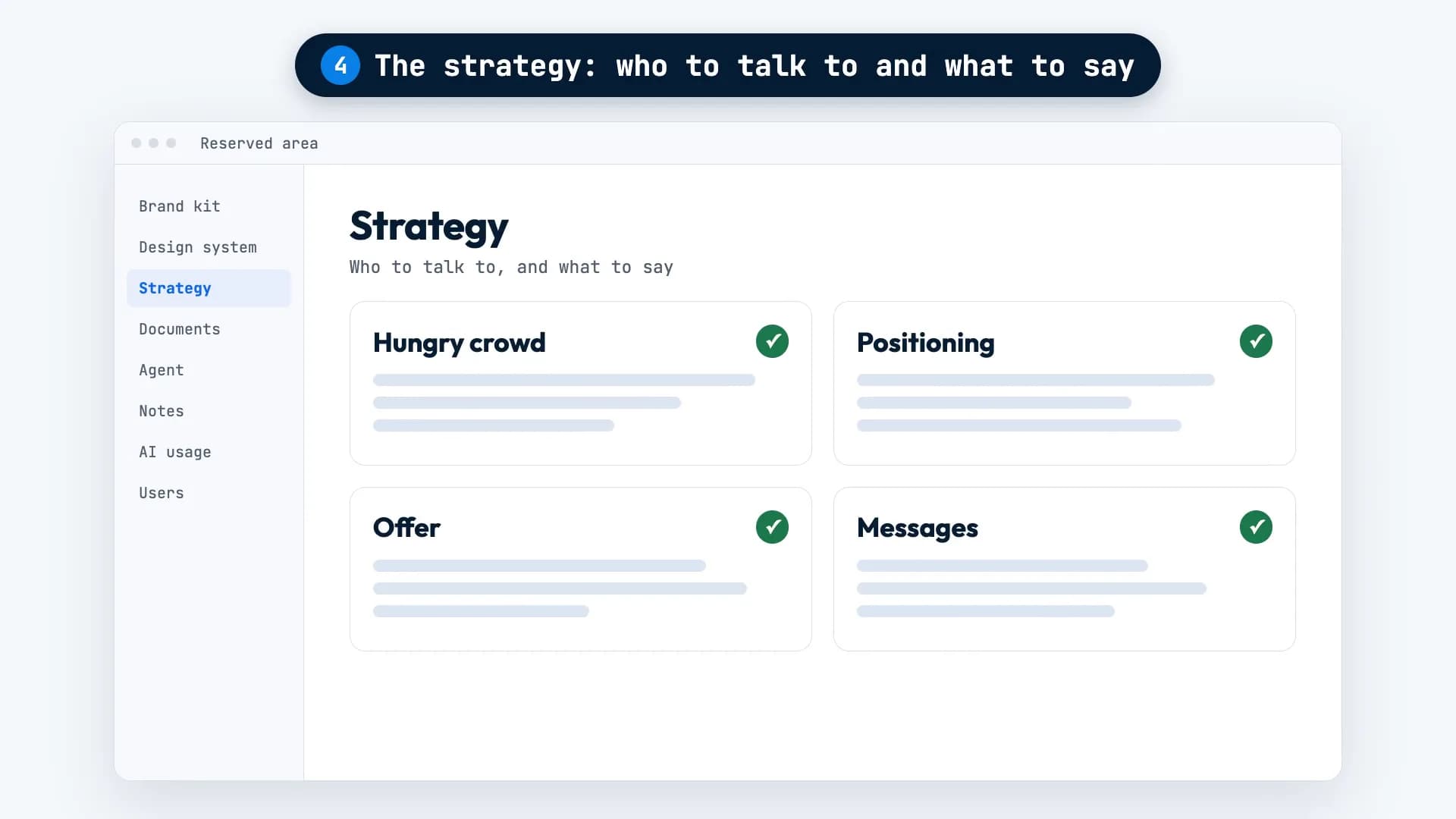
The strategy documents
Market analysis, positioning and strategic blueprint, as PDFs on the Documents page.
All your files in one place
Everything AURORA delivers, images and videos included, goes into Documents, filed under its job. New files are flagged.
Never start from scratch
What you share and what AURORA delivers stays in your reserved area, ready for the next job.
Ask for it, find it in Documents.
For Tsubasa, AURORA turned the five images it had received into a video. The landscape version, the vertical version and their two cover images are in Documents, in that job’s folder.
The company presentation works the same way: ask for it and you’ll find it at the top of Documents, marked as new.
What it needs from you, and what it won’t do.
Needed: your data
Figures, prices, names, dates: AURORA pulls them from your website and documents. If they aren’t there, it asks you.
Needed: your existing file, if you have one
To fill in a spreadsheet or redo a form, attach the one you use today.
It doesn’t make up figures
If it doesn’t know a number, it won’t write one. Better a question than a wrong document.
Read it before you use it
AURORA can make mistakes. Always check a document before you sign it or send it to a client.
The questions we hear most.
What format are the documents in?
Word or PDF. Spreadsheets come as Excel files. Strategy documents are PDFs.
Where will I find them a month later?
On the Documents page, in the folder of the job they belong to.
Does AURORA keep the files I share?
Yes. They stay in your reserved area, and AURORA draws on them in future jobs too.
Want AURORA
for your company?
For now, access is through the waitlist. Tell us about your project and we’ll get back to you within 48 working hours.