Everything under control.
No surprises online.
AURORA works on its own right up to the test site. Then it stops: the decisions that matter stay with you.
You decide what goes live
Everything goes through the test site first. An admin presses “Publish to production” and the chosen job goes live, and only that job. The rest wait on the test site.
Live when you choose
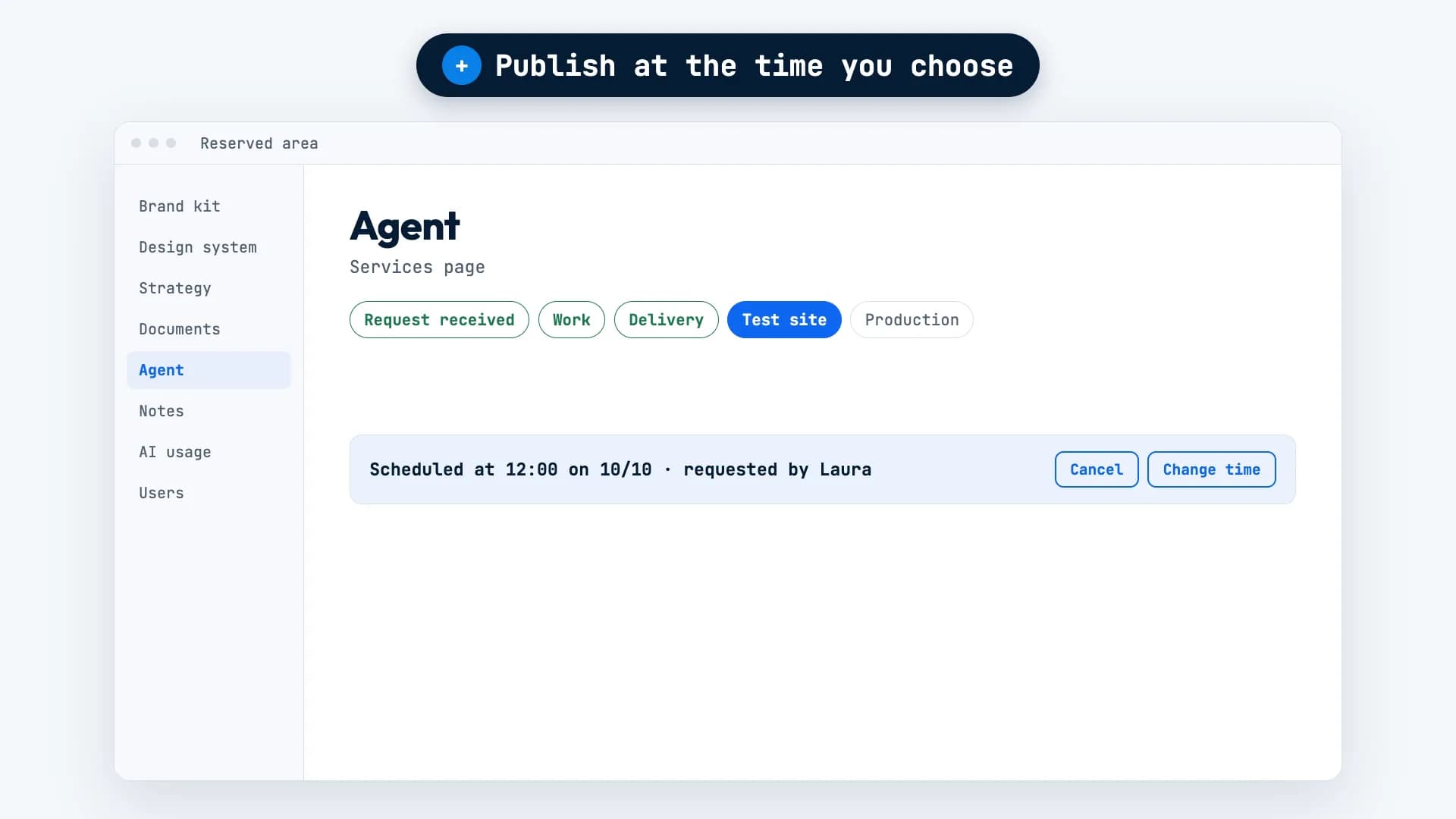
Next to “Publish to production” there’s a calendar: pick a day and time. The job shows when it’s scheduled, and you can move or cancel it.
Scheduled publications at a glance
Scheduled publications get their own group on the Agent page. AURORA lets you know once a job is live.
Every job, every stage
You always know where it stands: received, in progress, delivery, test site, production.
Your usage, always in view
It’s all on the AI usage page. Videos are counted in 10-second credits.
Who does what
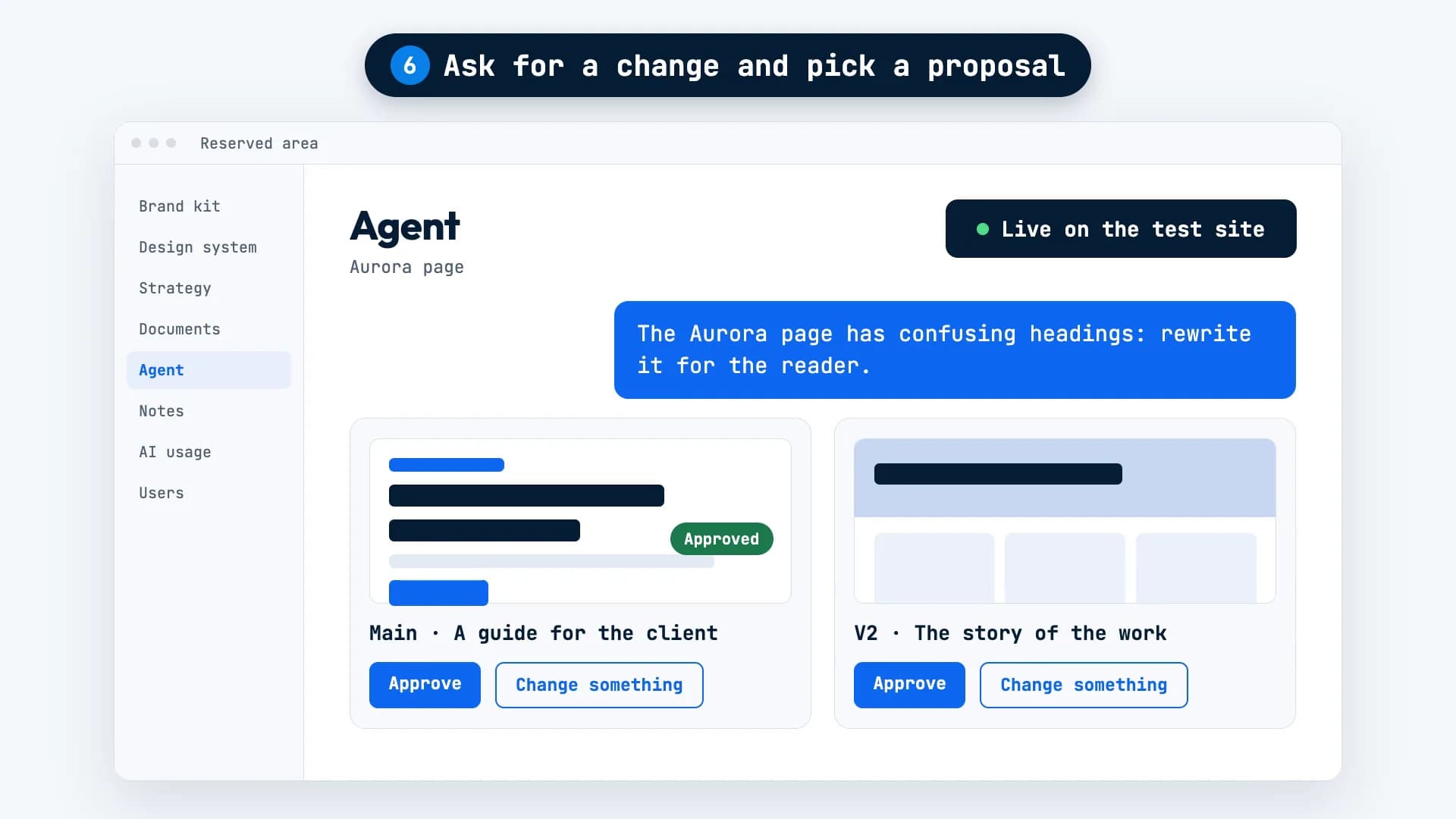
Everyone follows their own jobs; admins see them all. You decide which proposal to approve and when a job is closed.
No invented facts
If a fact is missing, you get a question, not a filler sentence.
One goes live. The rest wait.
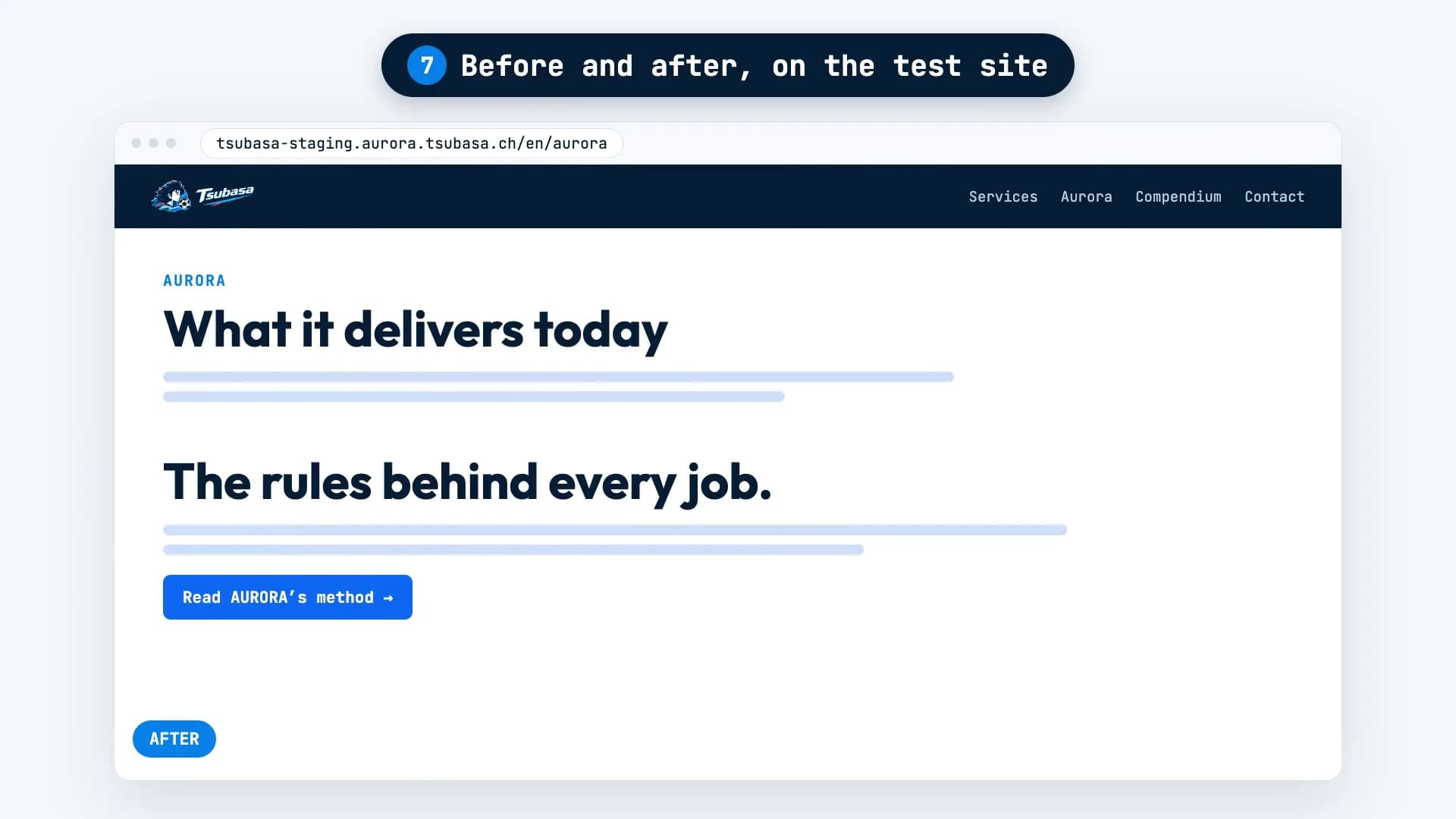
Say Tsubasa’s test site has two jobs ready: the rewritten Aurora page and a new blog post. You’re happy with the Aurora page, but not with the article yet.
Write “Publish at 12” to AURORA, or pick the time in the calendar next to “Publish to production”. At 12, the Aurora page goes live, and nothing else. The article stays on the test site until you’ve made up your mind about it too.
What it needs from you, and what it won’t do.
Needed: an admin
Only an admin can publish a job to production or schedule it.
Needed: a look at the test site
That’s where you see the job before it goes live. AURORA sends you a photo of the page, but the decision is yours.
It doesn’t publish on its own
Nothing changes on your public website without an admin’s say-so.
It isn’t infallible
AURORA can make mistakes. That’s exactly what the test site is for: catching them before anyone else sees them.
The questions we hear most.
Can something go live without me knowing?
No. Everything goes through the test site first, and only the job an admin chooses goes to production.
Can I cancel a scheduled publication?
Yes. The job shows when it’s scheduled, and you can move or cancel it.
How do I see how much I’m using AURORA?
On the AI usage page. Videos are counted in 10-second credits.
Want AURORA
for your company?
For now, access is through the waitlist. Tell us about your project and we’ll get back to you within 48 working hours.