Your website.
AURORA makes the change. You make the call.
Ask for a change in your own words, check it on the test site and decide when it goes live.
It edits your existing pages
It rewrites copy, resizes a heading, removes a paragraph, fixes a page that’s hard to read on mobile.
It builds new pages
In every language your site uses, built from your design system’s components and complete with a search-engine description.
Every language at once
One change applies to every language on your site. No need to ask three times.
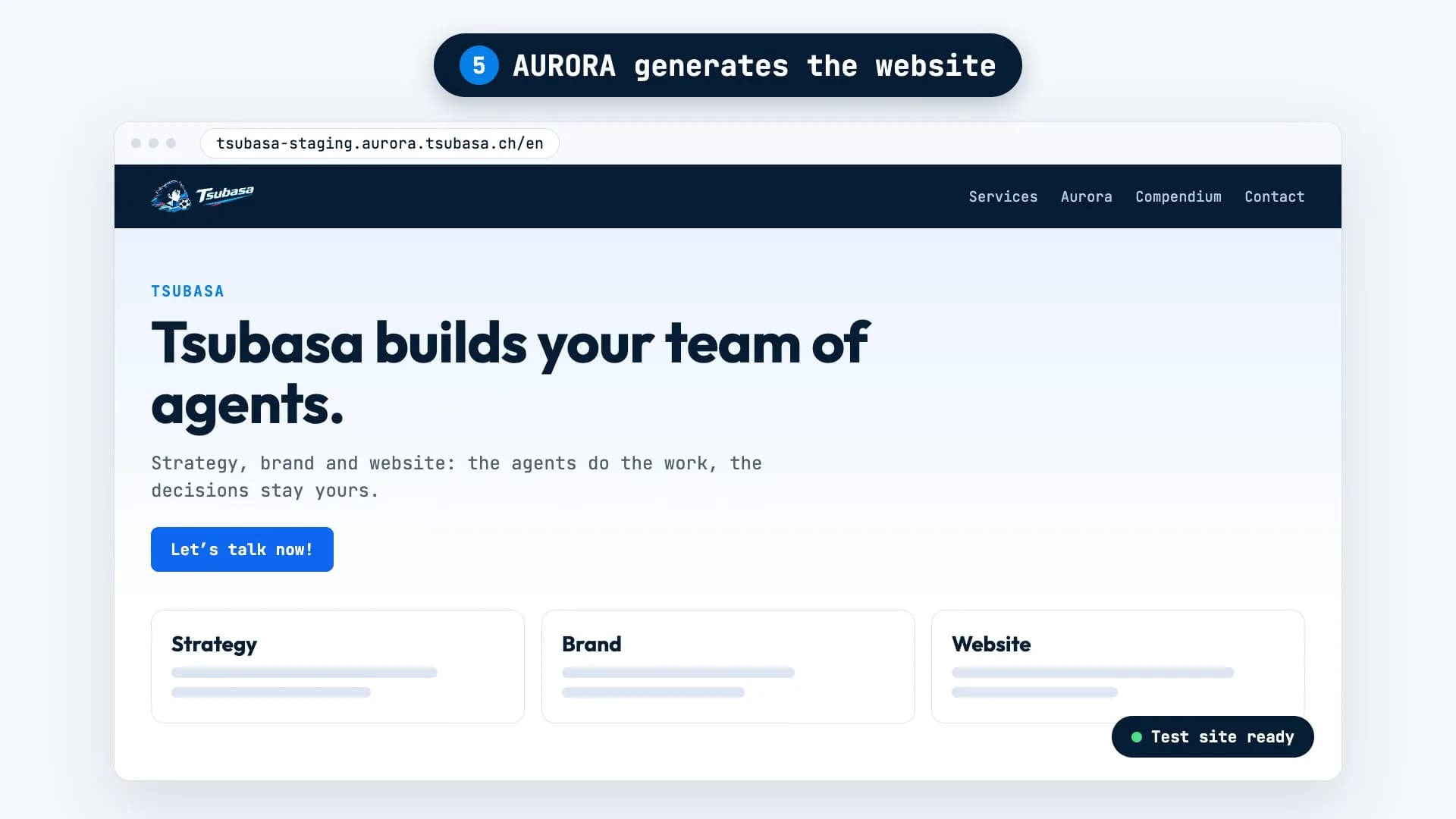
Test site first
Every change lands there first, with a photo of the changed section in every language. Meanwhile, your public website stays exactly as it is.
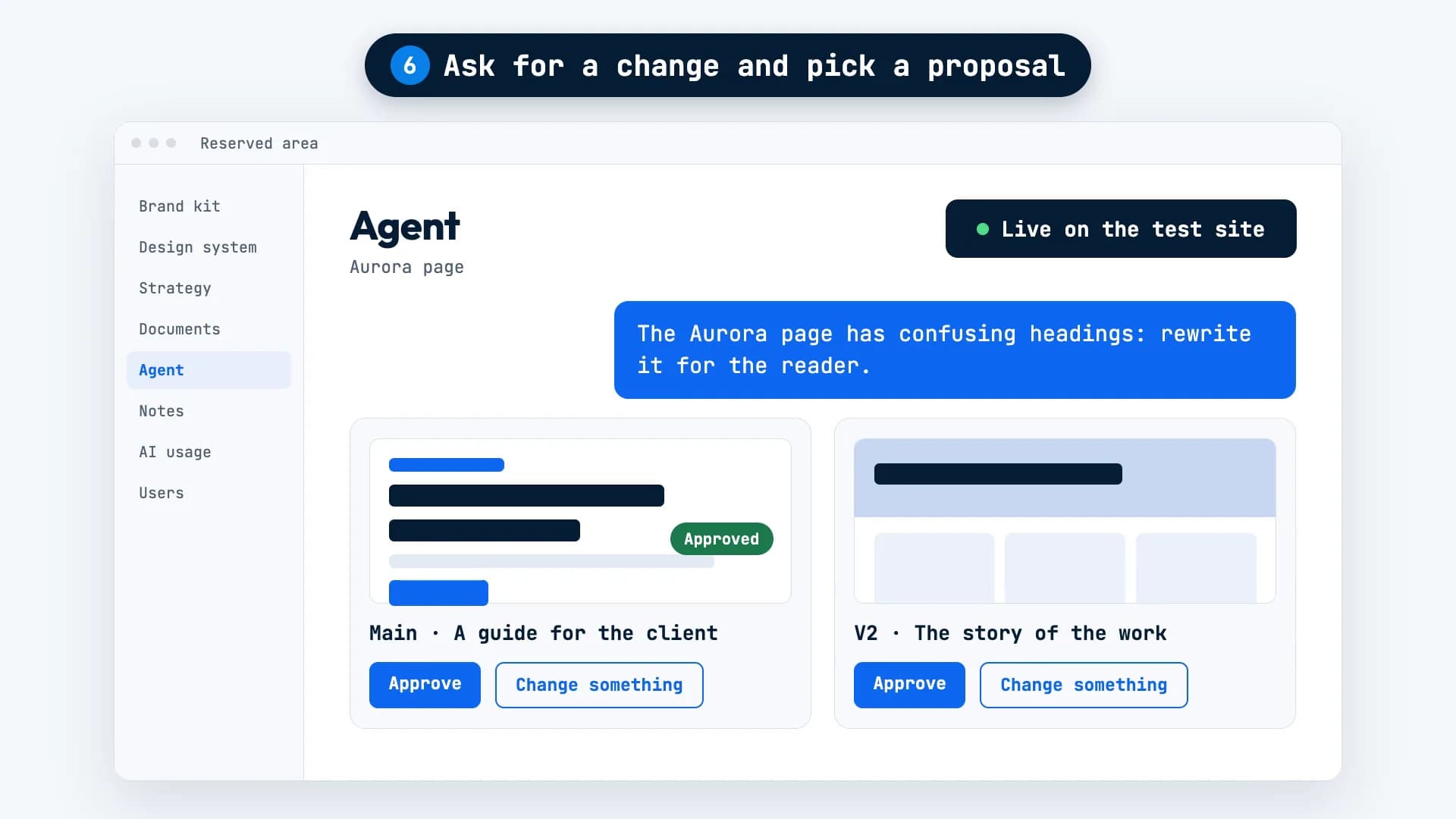
Two proposals when there’s more than one way
Each comes with a page preview. Approve the one you prefer, or ask for changes.
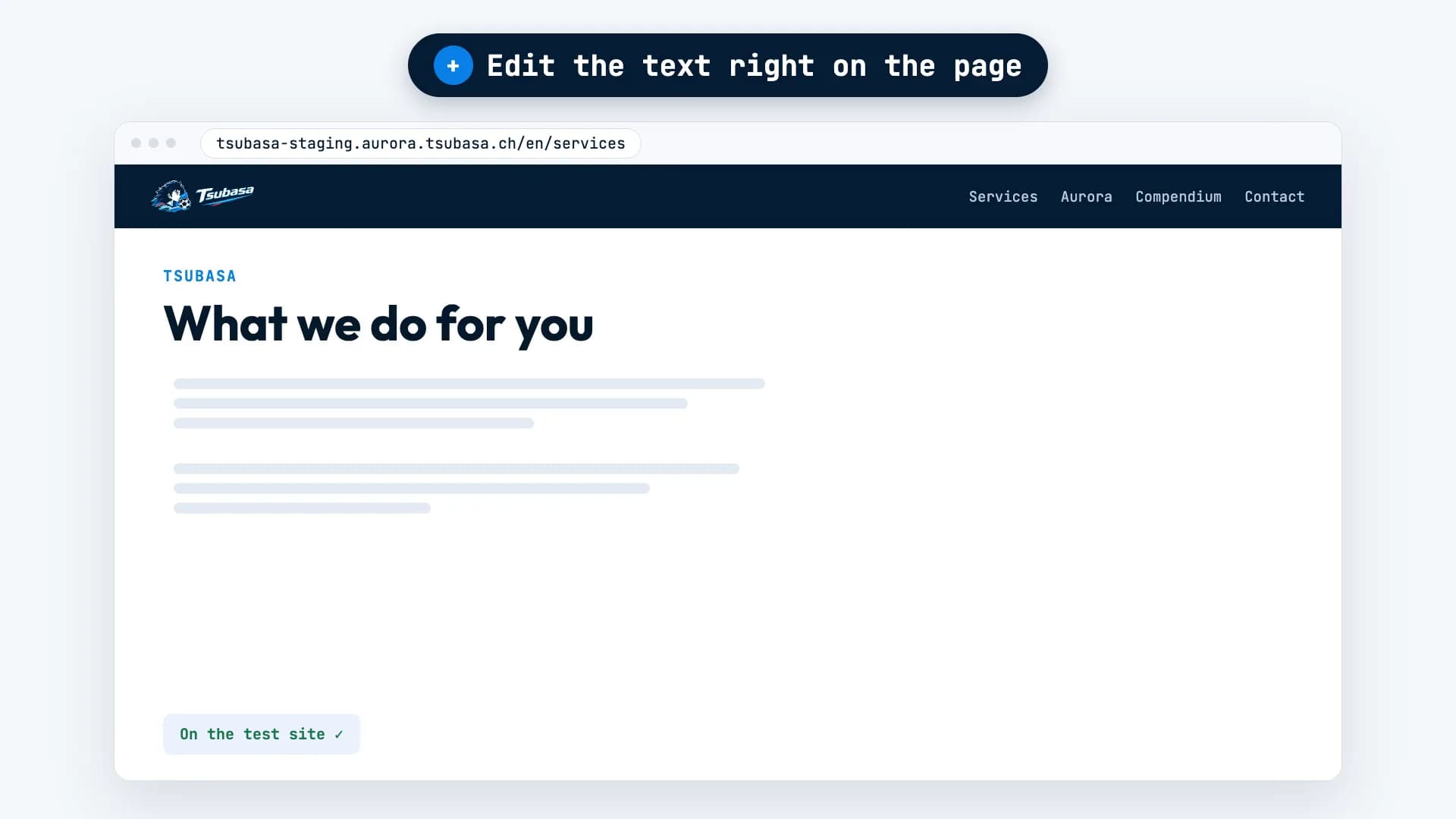
Edit directly on the page
On the test site, open “Edit this page”: type over any text, replace or remove an image, then press Send. AURORA handles the other languages.
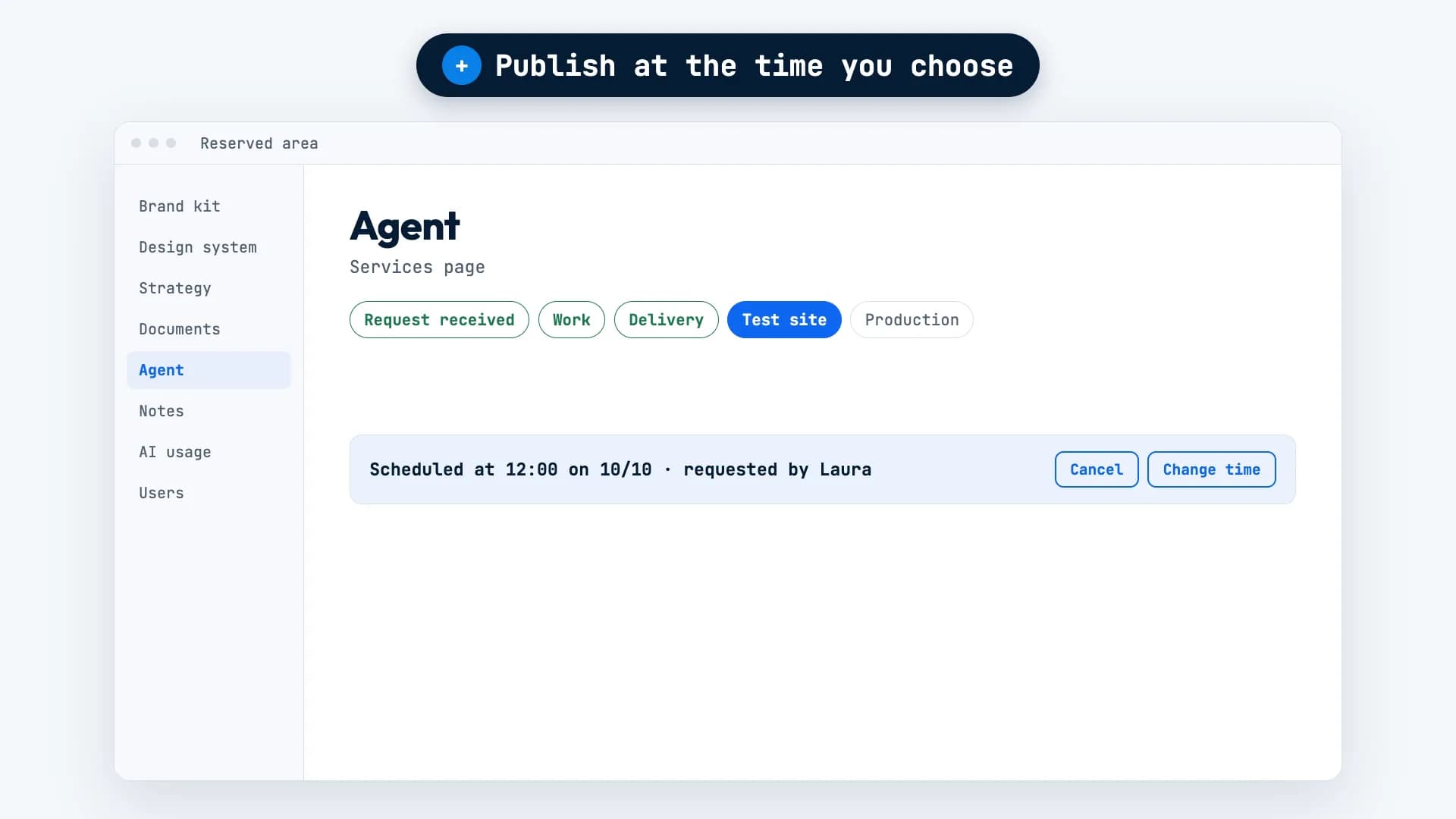
Live when you choose
Next to “Publish to production” there’s a calendar: pick a day and time, and move or cancel it if plans change. AURORA lets you know once the job is live.
Only the chosen job goes live
That job and nothing else. The rest stay on the test site.
One sentence changed, three languages done.
On Tsubasa’s home page, someone edited a sentence in Italian, directly on the page.
AURORA carried the same change over to English and German. In English it now reads: “AI agents prepare, check, coordinate, and the human team decides the plays that matter.”
What it needs from you, and what it won’t do.
Needed: what and where
Which page, and which part of it. If your request doesn’t make that clear, AURORA asks before touching anything.
It doesn’t go live on its own
The job reaches the test site by itself. Only an admin can publish it to production or schedule it.
It doesn’t make up facts
If it doesn’t know a price, an opening time or a contact detail, it won’t write one. It asks you.
The questions we hear most.
Does the public website change while AURORA works?
No. Every change goes to the test site first. The public website only changes when an admin publishes the job to production.
Can I edit text myself?
Yes. On the test site, open “Edit this page”, type over the text and press Send. AURORA handles the other languages.
Can I publish at a specific time?
Yes. Pick a day and time in the calendar next to “Publish to production”, or just write “Publish at 12.” You can still move or cancel it.
Want AURORA
for your company?
For now, access is through the waitlist. Tell us about your project and we’ll get back to you within 48 working hours.